

In 2025, YouTube Shorts are still one of the fastest-growing formats for gaining reach, subscribers, and yes — even passive income.
But what stops most creators?
Time. Tech. Voiceovers. Editing. Writing scripts.
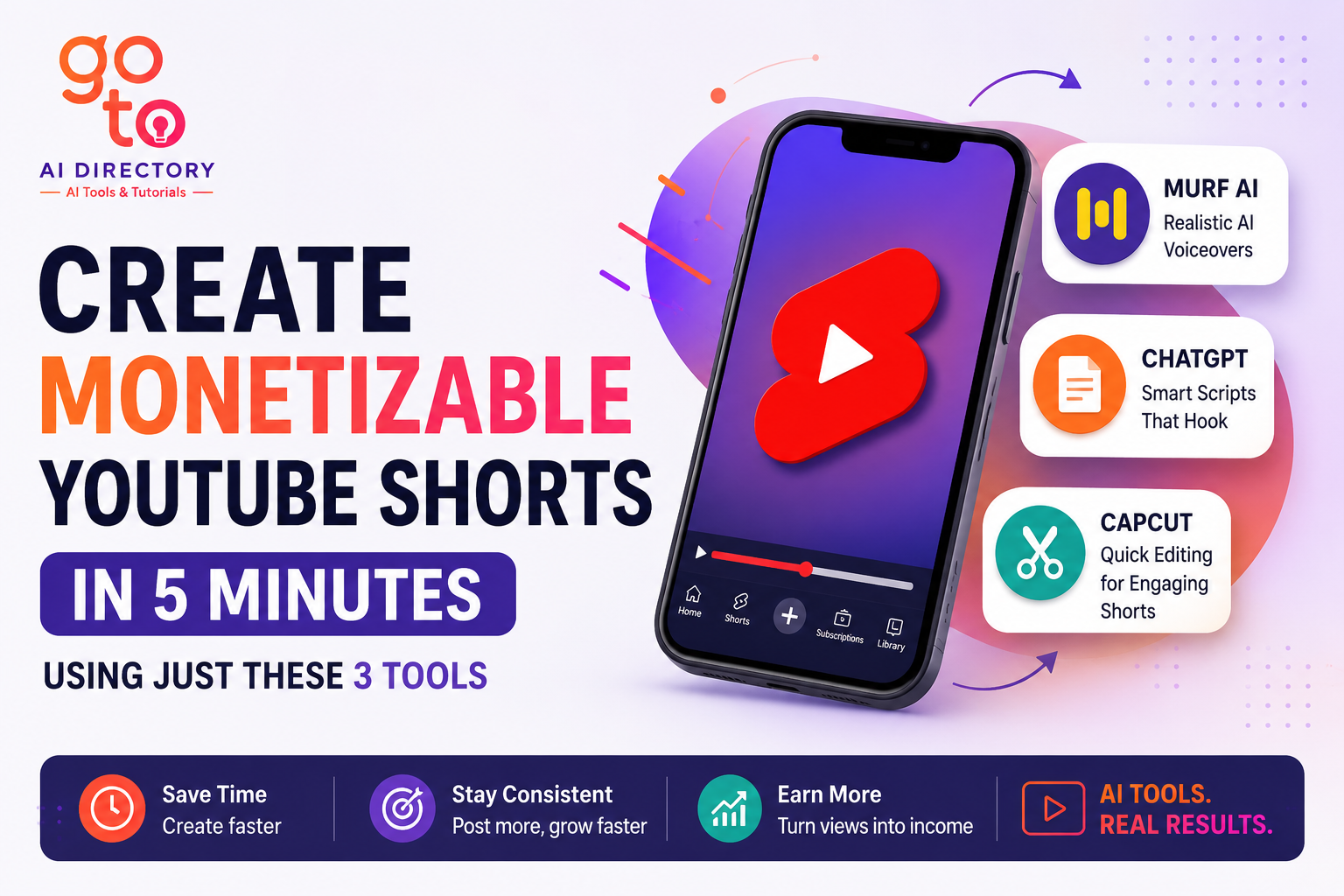
That’s where the latest AI tools come in. With the right combination of three powerful platforms, you can write, voice, and edit and create Monetizable Youtube shorts in just 5 minutes – ready for upload and monetization.
This guide will walk you step-by-step through the process using:
✅ A tool like ChatGPT for scriptwriting
✅ Murf AI for voiceover
✅ A tool for editing (like CapCut)
✍️ Step 1: Write a Scroll-Stopping Script Using ChatGPT (or any AI writer)
Let’s start with the foundation of every viral Short — the script.
You don’t need to be a professional copywriter. With ChatGPT or any AI writing assistant (e.g., Hix AI, TextCortex), you can generate scripts fast.
✅ How to use it:
-
Prompt it with something like: “Write a YouTube Shorts script under 130 words explaining 3 surprising facts about AI in 2025.”
-
Refine the response for clarity, hook, and pacing.

✅ Script Tips for YouTube Shorts:
-
Open strong with a question or curiosity hook. Example: “Did you know AI can now create videos from text in 60 seconds?”
-
Keep it under 150 words (45–60 seconds of voiceover).
-
End with a call-to-action: “Follow for more AI tools you’ve never heard of.”
This step should take you 1–2 minutes at most.
🎙️ Step 2: Add Voice Using Murf AI — No Mic Needed
Next, turn your script into a studio-quality voiceover in seconds using Murf AI.
This tool is perfect for creators who want to stay faceless and skip recording or hiring voice actors.
🎤 Why Use Murf AI?
-
100+ realistic voices across languages and accents
-
Custom pitch, pace, and emphasis settings
-
Commercial usage rights on paid plans
✅ How to use it:
-
Paste your script into the Murf AI.
-
Choose a voice that matches your content’s mood (friendly, dramatic, tech-savvy).
-
Fine-tune pacing, pauses, and tone if needed.
-
Export the audio file.

You’ll have a smooth, natural voiceover — perfect for Shorts.
⏱️ Time taken: 1–2 minutes
🎬 Step 3: Edit Using CapCut (or InVideo) — Free & Beginner Friendly
Now it’s time to combine everything into your final video using a video editing tool.
We recommend either:
-
CapCut (desktop or mobile): Great for vertical video editing, fast exports
Or AI video creator tools like:
-
Videogen: Drag-and-drop editor with stock footage and templates
-
Zebracat: Instant AI text to video creator.
Both tools are free to use and allow commercial publishing.
✅ What to include:
-
Voiceover (from Murf AI)
-
B-roll (stock footage or screen recordings)
-
Animated text and captions (for mobile viewers)
-
Background music (CapCut has free libraries)
-
Call-to-action overlay (e.g., “Like & Subscribe for more”)

✅ Editing Tips:
-
Use vertical 9:16 format (required for YouTube Shorts)
-
Match the visuals to each voiceover phrase
-
Keep it punchy — transitions should be quick
-
Add auto-captions (CapCut supports this) for accessibility and engagement
⏱️ Time taken: 1–2 minutes
🚀 Upload & Monetize: Make Shorts Work for You
Once your video is done, it’s ready to upload as a Short to YouTube.
Here are some best practices to maximize reach and monetization:
✅ Thumbnail & Title
-
No need for custom thumbnails (Shorts use video frame)
-
Title should be curiosity-driven or value-based “3 Free AI Tools You’re Not Using Yet”
✅ Hashtags
-
Add #Shorts, #AItools, or your niche
-
Helps with categorization and discovery
✅ Description
-
Include keywords
Final Tips for Success with YouTube Shorts in 2025
-
✅ Batch create: Use this 3-tool system to create 3–5 videos in one sitting.
-
✅ Repurpose blog posts: Already written a blog? Turn each section into a Short.
-
✅ Use AI-generated B-roll: Sites like Pexels, Pixabay, and even ChatGPT plugins (like RunwayML) can help you get footage.
-
✅ Track performance: YouTube Studio will show which Shorts perform best — double down on those topics.
Final Thoughts
Creating monetizable YouTube Shorts in 2025 doesn’t require a camera crew, a mic, or video editing skills.
With just ChatGPT (or Hix AI), Murf AI, and CapCut, you can go from idea to upload in just 5 minutes.
Shorts are the fastest way to drive traffic, build authority, and earn passively while you sleep.
So what’s stopping you?
 Try this 3-tool combo today and create your first faceless Short before the day ends!