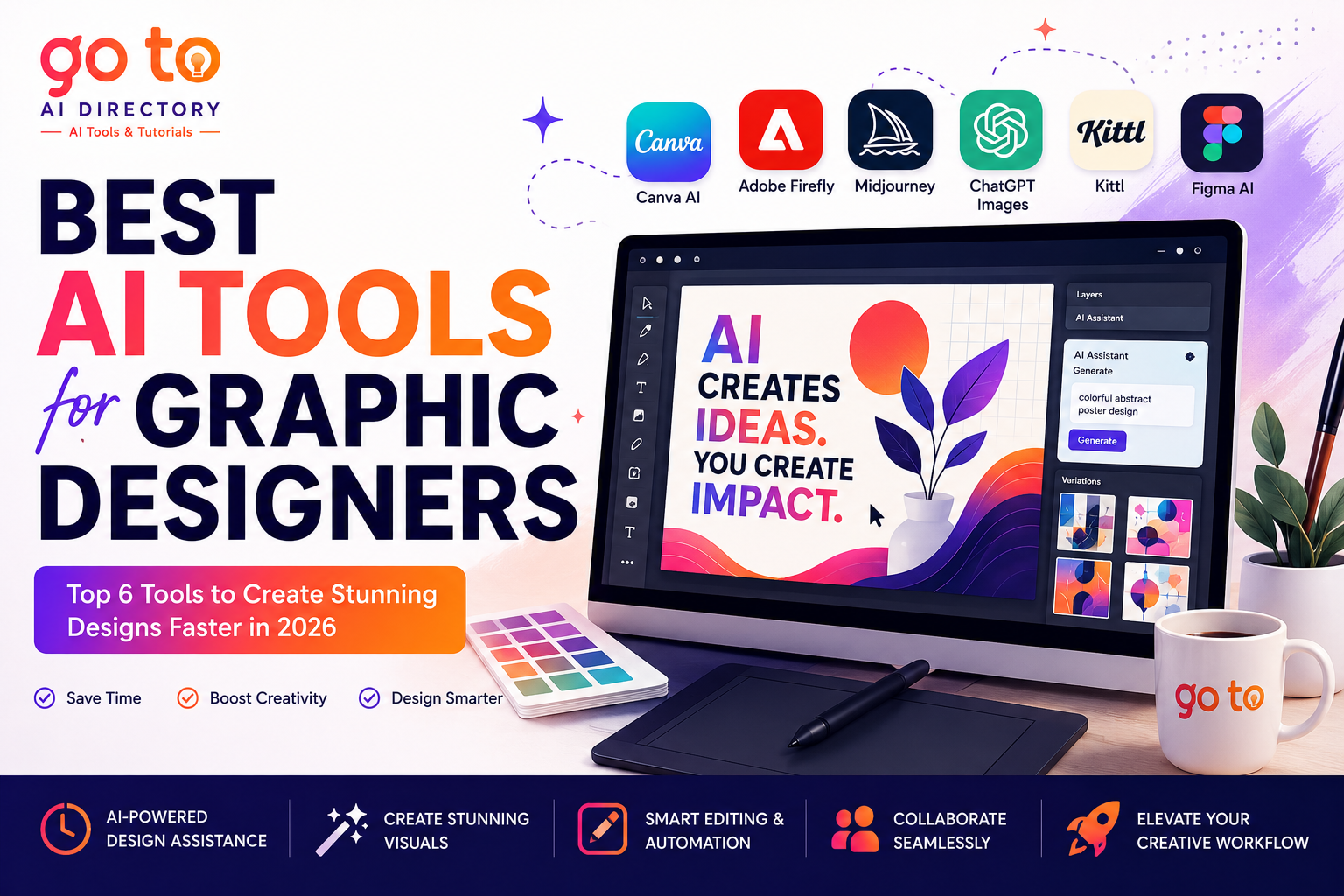
Graphic designers do not need another tool that promises to “replace creativity.” They need software that removes repetitive work without flattening every project into the same generic style. That is where the best AI tools for graphic designers are becoming genuinely useful. AI can now help with early-stage ideation, image generation, layout exploration, background removal, asset resizing, copy variations, mockups, and quick client revisions. The real value is not pressing a button and accepting the first result. It is getting from a rough idea to a workable direction faster. But finding the the best AI tools for graphic designers among hundreds of tools available is not that easy.
This guide will list the best AI tools for graphic designers and compare six AI design tools that support different parts of a professional workflow. Some are better for fast social graphics, others for concept art, image editing, branding, UI design, or production-ready assets.
Best AI Design Tools at a Glance
| Tool | Best for | Main strength |
|---|---|---|
| Canva AI | Fast everyday design | Templates and easy editing |
| Adobe Firefly | Professional image editing | Generative editing inside Adobe workflows |
| Midjourney | Concept art and visual exploration | Distinctive image quality |
| ChatGPT Images | Prompt-based image creation | Conversational revisions |
| Kittl | Branding, typography and merchandise | Design tools, mockups and vectors |
| Figma AI | UI, product and collaborative design | AI directly inside the design canvas |
How We Chose These Tools
We looked for tools that solve practical design problems rather than simply generating attractive images.
The main criteria were:
- quality of output
- control over edits
- usefulness in real design workflows
- support for brand consistency
- collaboration and export options
- ease of learning
- ability to refine rather than restart
No single platform is best at everything. The right choice depends on whether you design social media posts, websites, interfaces, packaging, illustrations, presentations, merchandise, or brand systems.
1. Canva AI
Best overall for fast visual content
Canva AI is a strong option for designers who need to produce social graphics, presentations, marketing assets, posters, thumbnails, and campaign variations quickly.
Its biggest advantage is that AI features sit inside a familiar template-based editor. Canva’s tools can help generate designs, copy, images, and layout directions, while individual elements remain editable. Magic Design can create template suggestions from text or uploaded media, which makes it useful when you need several starting points rather than one finished composition.
Key features
- AI-assisted design generation
- editable templates
- text and image generation
- brand assets and resizing
- collaborative editing
Best for: social media designers, small teams, marketers, presentation designers and freelancers producing content at volume.
Limitation: Canva can speed up production, but heavy reliance on popular templates may make work feel familiar or repetitive. Strong designers should still adjust typography, spacing, hierarchy and imagery.
2. Adobe Firefly
Best for professional generative editing
Adobe Firefly is most useful when AI needs to fit into an existing professional design process rather than operate as a separate novelty tool.
It supports image generation and editing tasks such as removing objects, expanding backgrounds, generating new content and refining images. Firefly also connects with Adobe applications and supports broader creative workflows across images, video and audio.
For designers already working in Photoshop, Illustrator or Adobe Express, that integration is a major advantage. You can move from concept generation to detailed editing without rebuilding the project in another platform.
Key features
- generative image creation
- object removal and background expansion
- image editing and upscaling
- integration with Adobe creative applications
- tools for web and social graphics
Best for: professional designers, agencies, photographers, marketing teams and anyone already using Creative Cloud.
Limitation: Firefly is most valuable inside the wider Adobe ecosystem. Designers who do not use Adobe software may prefer a simpler standalone platform.
3. Midjourney
Best for concept art and visual direction
Midjourney remains one of the strongest tools for moodboards, campaign concepts, stylized artwork and visual experimentation.
Designers can combine text prompts with image references, create moodboards, and use personalization features to guide outputs toward a preferred visual style. Its documentation also supports image prompts, which allow an existing visual to influence the composition, mood or subject of a new generation.
This makes Midjourney particularly useful during the exploratory phase of a project. It can help a designer quickly test different lighting styles, materials, environments or illustration directions before committing to a final concept.
Key features
- text-to-image generation
- image references
- moodboards and style personalization
- high-resolution image generation
- strong artistic variation
Best for: art directors, illustrators, concept designers, advertising creatives and brand moodboards.
Limitation: Midjourney is better at producing visual ideas than complete editable design systems. Typography, layout and production work usually need to happen elsewhere.
4. ChatGPT Images
Best for conversational image creation
ChatGPT’s image tools are useful for designers who prefer to develop ideas through conversation.
Instead of rewriting a complicated prompt every time, you can ask for a first image and then request targeted changes such as adjusting the palette, simplifying the background, changing the composition or adapting the asset for a different format.
That conversational process is particularly helpful for blog graphics, illustrations, campaign concepts and early visual drafts. It also allows writing and visual ideation to happen in the same workspace.
Key features
- prompt-based image generation
- conversational revisions
- visual brainstorming
- image analysis and iteration
- easy combination of copy and image workflows
Best for: content designers, bloggers, educators, marketers and designers who want quick back-and-forth refinement.
Limitation: Generated images should be checked carefully for typography, brand accuracy, object details and production suitability.
5. Kittl
Best for branding, typography and merchandise
Kittl combines AI generation with hands-on design tools for vectors, typography, templates and mockups.
Its AI tools can generate graphics, layouts and illustrations, while the wider editor includes font tools, vector controls and product mockups. Kittl positions these features around branding and product visuals, making it especially useful for logos, posters, apparel graphics, packaging concepts and print-on-demand products.
Unlike image-only generators, Kittl gives designers more room to refine the generated result into something usable.
Key features
- AI graphics and illustrations
- vector editing
- typography tools
- templates and mockups
- branding and merchandise workflows
Best for: brand designers, merchandise sellers, print designers, packaging designers and small creative businesses.
Limitation: It is less suited to complex photo compositing or advanced UI design than Adobe or Figma.
6. Figma AI
Best for UI and collaborative product design
Figma AI is designed for product designers who want AI assistance without leaving the design canvas.
Its tools can find existing assets, replace placeholder content, rewrite or translate text, rename layers, add interactions, and generate or edit images. Figma also supports tasks such as background removal, image expansion and object removal.
The biggest advantage is context. AI works alongside components, design systems, prototypes and team files, making it easier to apply automation inside a collaborative product workflow.
Key features
- AI-assisted text editing
- asset and design search
- image generation and editing
- automatic layer organization
- collaborative UI and prototype workflows
Best for: UI designers, UX teams, product designers, design systems teams and agencies.
Limitation: Figma AI is most relevant to digital product work. Print, illustration and campaign designers may get more value from other tools.
How to choose the best AI tools for graphic designers?
- Choose Canva AI for fast, everyday marketing graphics.
- Choose Adobe Firefly when you need deeper image editing and Adobe integration.
- Choose Midjourney for concept art and distinctive visual exploration.
- Choose ChatGPT Images for conversational ideation and quick revisions.
- Choose Kittl for branding, typography, merchandise and mockups.
- Choose Figma AI for collaborative interface and product design.
The best workflow may combine two tools. For example, you might explore visual directions in Midjourney, refine imagery in Firefly, and assemble the final campaign in Canva or Figma.
How Designers Should Use AI Without Losing Originality
AI-generated work becomes forgettable when the tool makes every major creative decision. Use AI to generate options, not answers. Start with a clear brief, then apply your own typography, composition, brand rules, references and judgment.
A useful process is:
- define the audience and design goal
- generate several directions
- select one idea, not one finished output
- rebuild and refine the strongest elements
- check licensing, accuracy and accessibility
- add human details that reflect the brand
Final Thoughts
Best AI tools for graphic designers are not replacements for design skills. They are accelerators. They can shorten the distance between a brief and a strong first direction, remove repetitive editing tasks, and make it easier to explore ideas under tight deadlines. But strategy, taste, hierarchy and communication still come from the designer. To compare more AI image generators, design software and creative tools, explore the curated categories and practical guides on GoToAI Directory.
Frequently Asked Questions
1. What are the best AI tools for graphic designers in 2026?
The best AI tools for graphic designers depend on the type of work you create. Canva AI is ideal for social media graphics and marketing materials, Adobe Firefly excels at professional image editing and generative design, Midjourney is popular for concept art and creative exploration, ChatGPT Images simplifies image generation through conversational prompts, Kittl is well suited for branding and typography, and Figma AI helps UI and UX designers speed up interface design and collaboration.
2. Can AI replace graphic designers?
No. AI can automate repetitive tasks such as background removal, image generation, resizing, layout suggestions, and content creation, but it cannot replace creativity, design thinking, branding strategy, or client communication. Professional graphic designers use AI to work more efficiently while making the final creative decisions themselves.
3. Which AI design tool is best for beginners?
For beginners, Canva AI is one of the easiest AI graphic design tools to learn because it combines templates, drag-and-drop editing, and AI-powered design assistance in a simple interface. It allows users to create professional-looking social media graphics, presentations, posters, and marketing materials without advanced design experience.
4. What is the best AI image generator for graphic designers?
If your focus is creative concept art and high-quality illustrations, Midjourney remains one of the best AI image generators for graphic designers. Designers who already use Adobe Creative Cloud may prefer Adobe Firefly because it integrates AI image generation and editing directly into professional creative workflows. ChatGPT Images is another excellent option for brainstorming and refining ideas through natural language conversations.
5. How do professional graphic designers use AI?
Professional designers typically use AI to speed up specific parts of their workflow rather than generate finished designs. Common uses include brainstorming concepts, creating mood boards, generating illustrations, editing images, producing marketing assets, removing backgrounds, generating typography ideas, and exploring multiple design directions before refining the final artwork manually. Combining AI with professional design skills helps improve productivity while maintaining originality and brand consistency.