
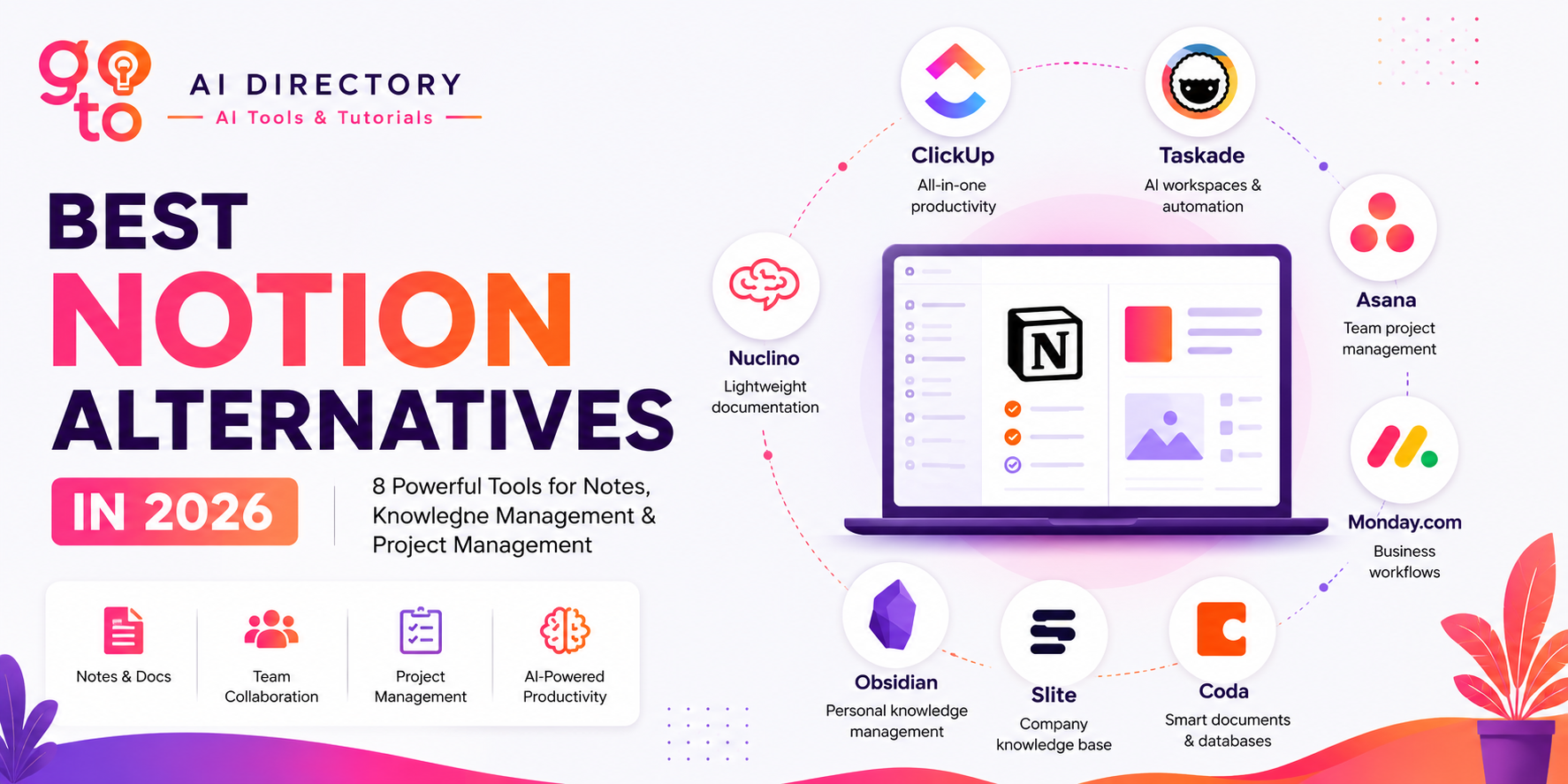
Best Notion Alternatives in 2026
8 Powerful Apps for Notes, Knowledge Management & Project Management
Notion has become one of the most popular productivity tools for note-taking, project management, documentation, and knowledge management. Its flexibility allows users to build everything from personal journals and company wikis to content calendars and CRM systems.
But flexibility isn’t always the same as simplicity. As teams grow and workflows become more complex, many users discover that Notion isn’t always the perfect fit. Some need stronger project management, others want built-in AI, while many simply prefer a faster, more focused workspace.
The good news is that today’s productivity software market offers excellent options, making it easier than ever to find the best Notion alternative for your personal or professional workflow. Whether you’re a student building a second brain, a startup documenting internal processes, or a marketing team managing campaigns, there’s likely a better tool for your specific workflow.
In this guide, we’ll explore the best Notion alternatives in 2026, explain what makes each platform unique, and help you decide which one best matches your needs.
What Makes a Good Notion Alternative?
Many people search for “Notion alternatives” assuming they need another app that looks exactly like Notion. That’s usually the wrong approach.
Instead, ask yourself why you’re looking for an alternative. Different productivity tools solve different problems.
You might need:
- Better project management
- Faster collaboration
- Stronger AI capabilities
- Simpler documentation
- Offline access
- Better privacy
- More powerful databases
- Easier onboarding for your team
The best productivity software isn’t necessarily the one with the most features. It’s the one that removes friction from your daily work.
For example, a software development team may benefit more from ClickUp’s task management than Notion’s flexible pages. A researcher may prefer Obsidian’s local knowledge graph, while a marketing agency might value Taskade’s AI-powered workflows.
Understanding your workflow first makes choosing the right platform much easier.
Quick Comparison of the Best Notion Alternatives
To help you compare your options quickly, here’s a side-by-side overview of the best Notion alternatives available in 2026.
| Tool | Best For | AI Features |
|---|---|---|
| ClickUp | All-in-one productivity | ✅ |
| Taskade | AI workspaces & automation | ⭐⭐⭐⭐⭐ |
| Asana | Team project management | ✅ |
| Monday.com | Business workflows | ✅ |
| Coda | Smart documents & databases | ✅ |
| Slite | Company knowledge base | ✅ |
| Obsidian | Personal knowledge management | AI plugin |
| Nuclino | Lightweight documentation | ✅ |
1. ClickUp
Best for: Businesses and teams that need an all-in-one workspace
- ClickUp has evolved far beyond a project management platform. Today it combines documents, tasks, dashboards, goals, whiteboards, calendars, and AI into a single workspace.
- Unlike Notion, ClickUp was built with project execution in mind. While Notion excels at organizing information, ClickUp focuses on helping teams actually complete work.
- For marketing teams, product managers, agencies, and startups, this often reduces the need to switch between multiple applications.
Why choose ClickUp over Notion?
Choose ClickUp if your work revolves around deadlines, task ownership, reporting, and collaboration rather than documentation alone.
Best features
- AI writing assistant
- Task management
- Documents
- Whiteboards
- Time tracking
- Workflow automations
2. Taskade
Best for: AI-powered productivity
- Taskade has become one of the most interesting productivity platforms thanks to its deep integration of artificial intelligence.
- Instead of simply helping you organize information, Taskade actively helps generate ideas, write content, summarize documents, build workflows, and automate repetitive tasks using AI agents.
- If your goal is to work faster rather than simply organize notes, Taskade offers capabilities that extend beyond traditional note-taking.
Why choose Taskade over Notion?
Taskade is ideal for creators, freelancers, marketers, founders, and small teams that want AI integrated directly into everyday work.
Best features
- AI agents
- Mind maps
- Workflow automation
- Team collaboration
- Project templates
3. Asana
Best for: Structured project management and team collaboration
- If your primary goal is managing projects rather than building a flexible knowledge base, Asana is one of the strongest Notion alternatives available.
- Unlike Notion, which gives users the freedom to build their own project management system, Asana provides a structured framework from the start. Teams can organize projects, assign tasks, track deadlines, monitor progress, and automate repetitive work without creating custom databases or templates.
- This makes Asana particularly popular among marketing teams, product managers, software development teams, and agencies handling multiple projects simultaneously.
Why choose Asana over Notion?
Choose Asana if your team spends more time managing projects than documenting information.
Asana is designed to answer questions like:
- What needs to be done?
- Who is responsible?
- When is it due?
- What is blocking progress?
Its timeline, workload, calendar, and dependency views make it easier to manage complex projects than a traditional document-based workspace.
Key Features
- Task and project management
- Timeline (Gantt-style) planning
- AI-powered project summaries
- Workflow automation
- Team collaboration
- Goals and reporting dashboards
- Multiple project views including List, Board, Timeline, and Calendar
Pros
- Excellent for managing cross-functional projects
- Easy-to-use interface for large teams
- Powerful workflow automation
- Strong integrations with Slack, Google Workspace, Microsoft Teams, and more
Cons
- Less flexible for note-taking and documentation than Notion
- Advanced reporting features require higher-tier plans
4. Monday.com
Best for: Business workflows and operational management
- Monday.com has evolved from a project management platform into a comprehensive work management system used by businesses of all sizes.
- Rather than focusing primarily on documents, Monday.com helps organizations build structured workflows for marketing, sales, operations, HR, software development, customer success, and CRM.
- Compared to Notion, Monday.com requires less setup because many workflows, dashboards, and automations are available out of the box. Teams can start managing work almost immediately instead of designing custom systems from scratch.
Why choose Monday.com over Notion?
If your business depends on repeatable processes and standardized workflows, Monday.com provides more structure and visibility than Notion. Managers can monitor project progress through dashboards, automate repetitive tasks, generate reports, and collaborate across departments without relying heavily on manual updates.
Key Features
- Customizable workflow boards
- AI-powered automation
- Project dashboards
- CRM capabilities
- Resource and workload management
- Time tracking
- Hundreds of integrations
Pros
- Highly visual and intuitive interface
- Excellent workflow automation
- Strong reporting and analytics
- Suitable for teams of all sizes
Cons
- Can become expensive as teams grow
- Less flexible for long-form documentation
5. Coda
Best for: Interactive documents and smart databases
- Coda combines documents, spreadsheets, databases, and lightweight applications into a single collaborative workspace.
- At first glance, it looks similar to Notion, but Coda becomes much more powerful once users begin adding formulas, buttons, automations, and interactive elements.
- Instead of static documents, users can build living documents that update automatically, trigger workflows, and function like custom business applications.
- For teams that enjoy Notion’s flexibility but want greater automation and database functionality, Coda is an excellent choice.
Why choose Coda over Notion?
Choose Coda if you frequently work with connected data, custom workflows, and interactive documents. Its flexible building blocks allow users to create project trackers, CRM systems, budgeting tools, product roadmaps, and internal dashboards without writing code.
Key Features
- Smart documents
- Relational databases
- Built-in automations
- AI writing assistant
- Buttons and formulas
- Team collaboration
- Extensive integrations
Pros
- Extremely flexible workspace
- Excellent database functionality
- Powerful automation capabilities
- Great for operations and product teams
Cons
- More advanced features require a learning curve
- Can feel overwhelming for simple note-taking
6. Slite
Best for: Company documentation and internal knowledge bases
- Many organizations don’t need an all-in-one productivity platform.
- They simply need a place where employees can quickly find accurate information, document processes, and collaborate on company knowledge.
- That’s where Slite excels.
- Unlike Notion, which supports almost every type of workspace, Slite focuses specifically on creating clean, searchable documentation. Its interface is intentionally simple, making it easier for teams to adopt without extensive training.
- Startups, remote teams, and growing businesses frequently use Slite for onboarding guides, meeting notes, SOPs, HR documentation, and internal wikis.
Why choose Slite over Notion?
If documentation is your team’s primary use case, Slite provides a cleaner and more focused experience than Notion.
Its AI-powered search also makes finding information significantly faster as company knowledge grows.
Key Features
- Company wiki
- AI-powered search
- Meeting notes
- Document verification
- Collaborative editing
- Templates
- Permission management
Pros
- Simple and intuitive interface
- Excellent for internal documentation
- Fast search capabilities
- Easy onboarding for new employees
Cons
- Limited project management features
- Less customizable than Notion
7. Obsidian
Best for: Personal knowledge management and building a second brain
- Obsidian has become one of the most popular note-taking applications among researchers, writers, students, developers, and lifelong learners.
- Unlike cloud-first productivity tools, Obsidian stores your notes locally while connecting them through backlinks and graph visualizations. This allows users to build a network of interconnected ideas rather than isolated documents.
- Many people describe this approach as creating a “second brain”, a personal knowledge system where related concepts naturally connect over time.
Why choose Obsidian over Notion?
Choose Obsidian if your work revolves around learning, writing, research, or personal knowledge management rather than team collaboration.
Its local-first architecture also appeals to users who want complete ownership of their notes without relying entirely on cloud services.
Key Features
- Local note storage
- Bidirectional linking
- Knowledge graph visualization
- Markdown support
- Extensive plugin ecosystem
- AI plugins
- Cross-device synchronization
Pros
- Excellent for long-term knowledge management
- Extremely customizable
- Large community plugin library
- Fast performance with local files
Cons
- Collaboration features are limited
- Steeper learning curve than traditional note-taking apps
8. Nuclino
Best for: Lightweight documentation and team collaboration
- Nuclino is designed for teams that want the benefits of a collaborative workspace without unnecessary complexity.
- Rather than offering hundreds of customization options, Nuclino focuses on speed, simplicity, and ease of use.
- Teams can organize documentation, meeting notes, product specifications, and company knowledge while collaborating in real time.
- Its clean interface makes it particularly appealing to startups and small businesses that want an alternative to Notion without the learning curve.
Why choose Nuclino over Notion?
Choose Nuclino if your team values speed and simplicity over extensive customization.
It provides enough flexibility for documentation while remaining easy for everyone to use, regardless of technical experience.
Key Features
- Real-time collaboration
- AI writing assistant
- Visual graph view
- Team wiki
- Project documentation
- Markdown support
- Fast search
Pros
- Extremely easy to learn
- Clean and distraction-free interface
- Fast performance
- Excellent for startups and small teams
Cons
- Fewer advanced customization options than Notion
- Limited project management capabilities
How to Choose the Best Notion Alternatives in 2026
Every productivity tool excels in a different area, so start by identifying your biggest challenge rather than looking for a direct Notion replacement.
- Choose ClickUp if you want a complete workspace with documents, projects, dashboards, and AI.
- Choose Taskade if you want AI to help brainstorm ideas, write content, automate workflows, and manage projects.
- Choose Asana if your team primarily manages deadlines, tasks, and cross-functional projects.
- Choose Monday.com if you need customizable workflows for operations, sales, marketing, or client management.
- Choose Coda if you want highly interactive documents with databases, formulas, and automations.
- Choose Slite if your priority is building an organized company wiki or internal knowledge base.
- Choose Obsidian if you prefer local-first note-taking and creating a connected “second brain.”
- Choose Nuclino if you want a lightweight, easy-to-use documentation platform for small teams.
Common Mistakes When Switching from Notion
Many users assume switching to the best Notion alternative will automatically improve productivity. In reality, choosing the right tool matters more than choosing the most popular one. Unfortunately, that’s rarely true. One of the biggest mistakes is choosing the platform with the longest feature list rather than the one that best supports daily work. Another common mistake is migrating every page before testing the new platform.
Start with one project first. This helps you understand how the software fits your workflow before committing to a full migration. Finally, don’t overlook AI. Modern productivity tools increasingly use AI to summarize meetings, generate content, organize notes, automate repetitive tasks, and answer questions from your knowledge base. These features can save significant time when used effectively.
Final Thoughts
Notion remains one of the most versatile productivity tools available, but versatility isn’t always the same as suitability. Some users need stronger project management, others want AI-powered workflows, while many simply prefer a cleaner or more specialized experience.
The best Notion alternative ultimately depends on how you work. Teams managing complex projects may benefit from ClickUp or Asana, businesses running operational workflows may prefer Monday.com, while writers, researchers, and students often gravitate toward Obsidian. If AI is a priority, Taskade brings intelligent automation directly into your workspace.
Rather than choosing the platform with the longest feature list, focus on the one that makes your daily work simpler, faster, and more organized.
If you’re exploring AI-powered productivity software, project management tools, or knowledge management platforms, you can also browse GoToAI Directory to compare the latest AI tools, discover new productivity solutions, and find the best software for your workflow.
Frequently Asked Questions
Which is the best Notion alternative in 2026?
Taskade offers some of the strongest built-in AI capabilities for brainstorming, AI agents, workflow automation, document generation, and project planning. ClickUp also includes AI features for writing, summarizing, and productivity.
What is the best AI-powered alternative to Notion?
Taskade stands out for its AI agents, writing assistance, brainstorming tools, workflow automation, and collaborative workspaces.
Which Notion alternative is best for students?
Obsidian is an excellent choice for students who want to build a connected knowledge base and organize research using backlinks and graph views.
Is there a free alternative to Notion?
Yes. ClickUp, Taskade, and Obsidian all offer free plans suitable for individual users.
Which Notion alternative is best for teams?
ClickUp, Monday.com, Asana, Slite, and Coda are excellent choices for collaborative teams, depending on whether your focus is project management or documentation.