GoTo AI Directory

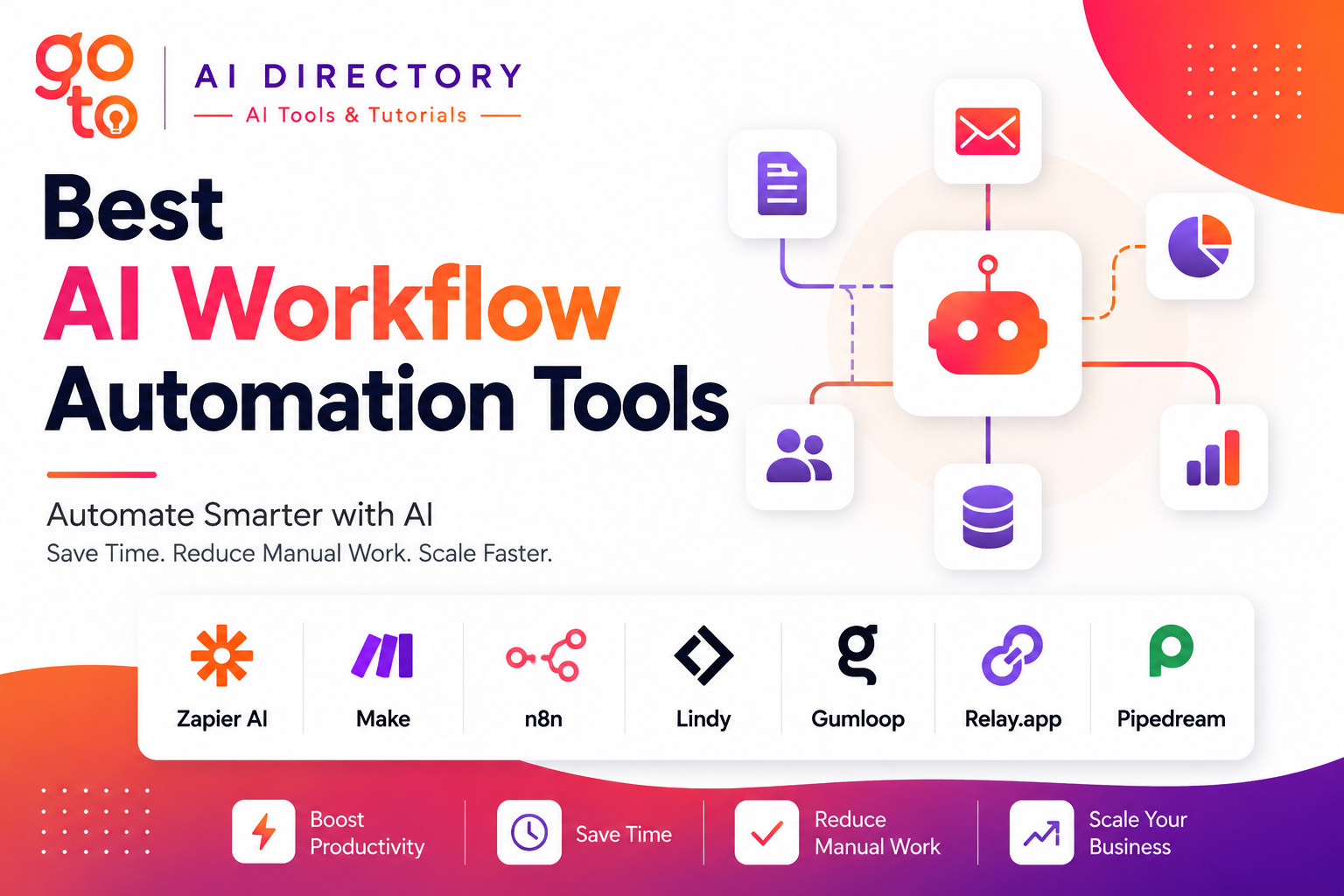
Best AI Workflow Automation Tools in 2026 guide showcasing Zapier AI, Make, n8n, Lindy, Gumloop, Relay.app, and Pipedream. The illustration highlights AI workflow automation, AI automation software, business process automation, AI agents for business, and no-code workflow automation
Blogs 23 min read

Best AI Workflow Automation Tools in 2026

Jul 28, 2026 By khandelwalshubhi944@gmail.com
Table of Contents

Best AI Workflow Automation Tools in 2026

Businesses no longer use automation simply to move data between apps. Today, artificial intelligence can understand emails, summarize meetings, classify documents, respond to customers, and even make decisions based on business rules.

This shift has given rise to a new generation of AI Workflow Automation platforms that combine traditional automation with AI models, intelligent agents, and natural language workflows.

Whether you’re a marketer automating lead generation, a sales team qualifying prospects, or a developer building AI-powered workflows, choosing the right AI Automation Software can save hours of repetitive work every week.

In this guide, we compare the best AI Workflow Automation tools available today, highlighting their strengths, ideal use cases, and how they differ from traditional automation platforms.

Best AI Workflow Automation Tools at a Glance

Tool Best For No-Code AI Features Best Users
Zapier AI Overall automation ⭐⭐⭐⭐⭐ Businesses
Make Visual workflows ⭐⭐⭐⭐☆ Teams
n8n Developers ⚙️ ⭐⭐⭐⭐☆ Technical users
Lindy AI agents ⭐⭐⭐⭐⭐ Business operations
Gumloop AI workflows ⭐⭐⭐⭐⭐ Marketing & research
Relay.app Human + AI workflows ⭐⭐⭐⭐☆ Growing teams
Pipedream API automation ⚙️ ⭐⭐⭐⭐☆ Developers

Why Use AI Workflow Automation?

Traditional automation follows predefined rules.

For example:

If someone submits a form → Send an email.

Modern AI Workflow Automation goes much further.

An AI workflow can:

  • Read incoming emails
  • Understand customer intent
  • Summarize documents
  • Classify support tickets
  • Extract information from PDFs
  • Generate reports
  • Write responses
  • Route requests automatically

Instead of automating individual tasks, today’s AI Automation Software can automate entire business processes with minimal manual intervention.

How We Chose These Tools

We evaluated each platform using the criteria that matter most to businesses:

  • AI capabilities
  • Ease of use
  • Workflow flexibility
  • Number of integrations
  • Scalability
  • Collaboration features
  • Developer options
  • Overall value

Each tool excels in different areas, so the best choice depends on your workflow rather than the number of features.

1. Zapier AI

Best Overall AI Workflow Automation Platform

Zapier has evolved beyond simple app integrations into one of the most comprehensive AI Workflow Automation platforms available. In addition to connecting thousands of applications, it now includes AI-powered workflow creation, natural language automation, AI chatbots, and intelligent data processing.

Users can describe workflows in plain English, allowing AI to generate automation sequences without manually building every step. Zapier also supports AI-powered agents that can analyze information, draft content, and complete repetitive business tasks.
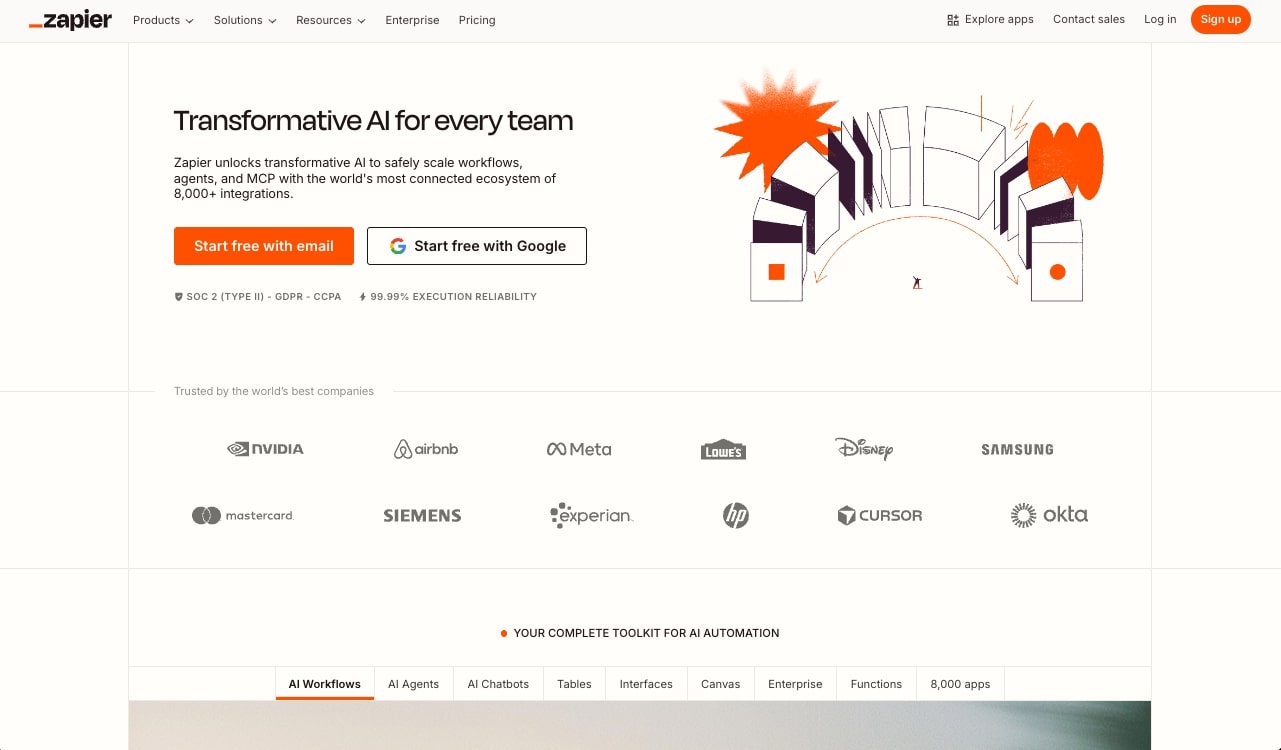
Zapier AI workflow tool

Key Features

  • AI workflow builder
  • AI-powered chatbots
  • Natural language automation
  • 7,000+ app integrations
  • AI data extraction
  • Multi-step workflows

Pros

✔ Extremely beginner friendly

✔ Largest integration library

✔ Excellent documentation

✔ Powerful AI features

Cons

  • Advanced workflows can become expensive

Best For

  • Small businesses
  • Marketing teams
  • Sales automation
  • Customer support
  • Operations

Expert Tip: If you’re new to AI Workflow Automation, Zapier offers one of the easiest ways to build intelligent workflows without coding.

2. Make

Best for Visual Workflow Design

Make is known for its visual automation builder, allowing users to create sophisticated workflows through an intuitive drag-and-drop interface. Its visual approach makes it easier to understand complex automations involving multiple apps, conditional logic, and data transformations.

As AI Automation Software continues to evolve, Make has expanded its support for AI services, enabling users to connect popular language models, automate document processing, and build AI-powered business workflows.
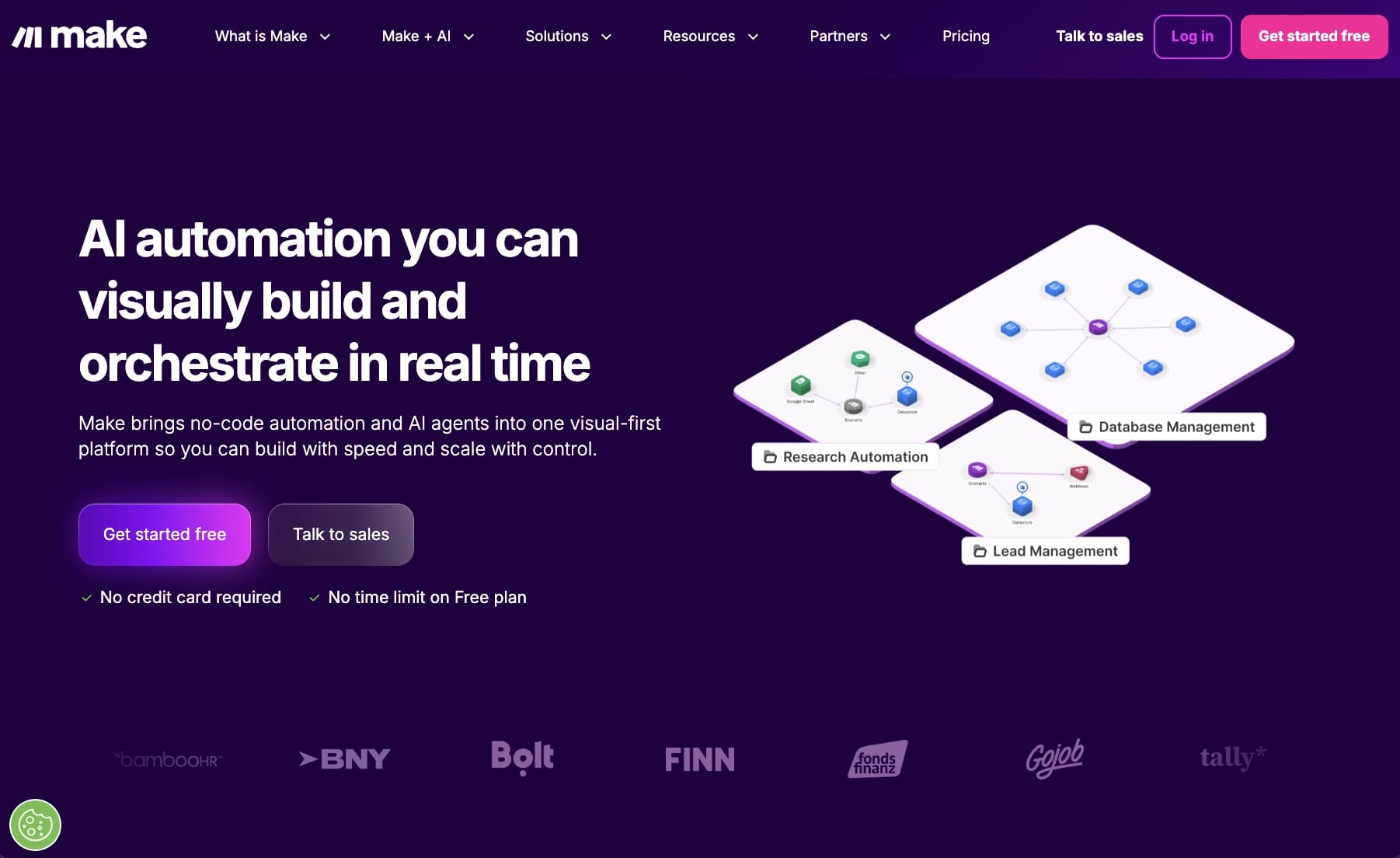
Make AI automation platform

Key Features

  • Visual workflow builder
  • AI integrations
  • Advanced branching logic
  • Data transformation
  • Hundreds of app integrations
  • Scheduling and monitoring

Pros

✔ Excellent visual interface

✔ Powerful workflow customization

✔ Good balance between simplicity and flexibility

✔ Strong AI integrations

Cons

  • Slight learning curve for beginners

Best For

  • Agencies
  • Marketing teams
  • Ecommerce
  • Business operations

3. n8n

Best AI Workflow Automation Tool for Developers

Unlike many no-code platforms, n8n gives developers greater control over automation while still providing a visual workflow builder. It supports self-hosting, custom JavaScript, API integrations, and advanced logic, making it popular among technical teams.

n8n also enables businesses to integrate large language models, vector databases, and AI APIs into custom workflows, making it highly flexible for organizations building internal AI solutions.
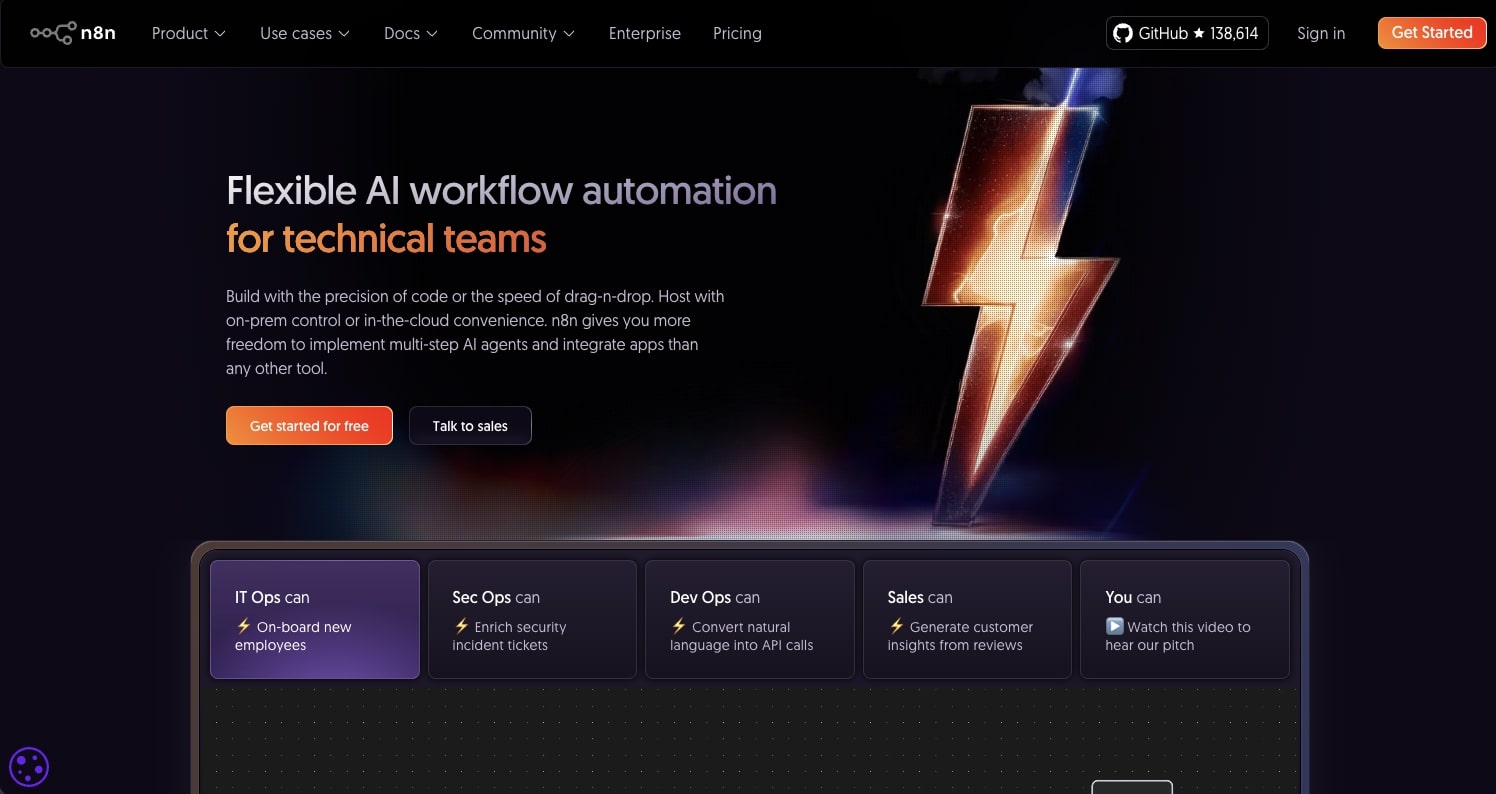
n8n workflows

Key Features

  • Self-hosting
  • AI model integrations
  • API automation
  • Custom code support
  • Workflow templates
  • Open-source platform

Pros

✔ Highly customizable

✔ Developer friendly

✔ Strong AI flexibility

✔ Self-hosting available

Cons

  • Better suited for technical users than complete beginners

Best For

  • Developers
  • SaaS companies
  • Internal automation
  • Technical teams

4. Lindy

Best AI Workflow Automation Tool for AI Agents

While many automation platforms connect apps together, Lindy focuses on something different: AI agents that can perform tasks much like a virtual employee. Instead of simply following a fixed workflow, Lindy agents can read emails, schedule meetings, qualify leads, answer customer questions, and complete repetitive business processes using natural language instructions.

Its no-code interface makes it accessible to non-technical users, while integrations with popular business tools allow companies to automate entire workflows without writing code. This makes Lindy one of the most innovative AI Workflow Automation platforms for businesses looking to automate knowledge work rather than simple data transfers.

Lindy AI workflow automation tool

Key Features

  • AI agents
  • Email automation
  • Meeting scheduling
  • CRM integrations
  • Customer support workflows
  • No-code builder

Pros

✔ AI-first platform

✔ Easy to build intelligent workflows

✔ Excellent for repetitive office tasks

✔ Beginner friendly

Cons

  • Fewer integrations than Zapier

Best For

  • Sales teams
  • Executive assistants
  • Business operations
  • Customer success
  • Founders

Expert Tip: If you’re looking for AI Automation Software that behaves more like a digital employee than a workflow builder, Lindy is worth exploring.

5. Gumloop

Best for AI-Powered Business Workflows

Gumloop is built specifically for AI-powered automation rather than traditional app integrations. Users can visually build workflows that combine AI models, web browsing, document processing, structured outputs, and business logic without requiring programming knowledge.

Instead of creating basic “if this, then that” automations, Gumloop allows users to build workflows that summarize reports, extract information from PDFs, research companies, analyze customer data, and automate repetitive AI tasks.

Its growing library of AI nodes makes it particularly attractive for businesses adopting generative AI.

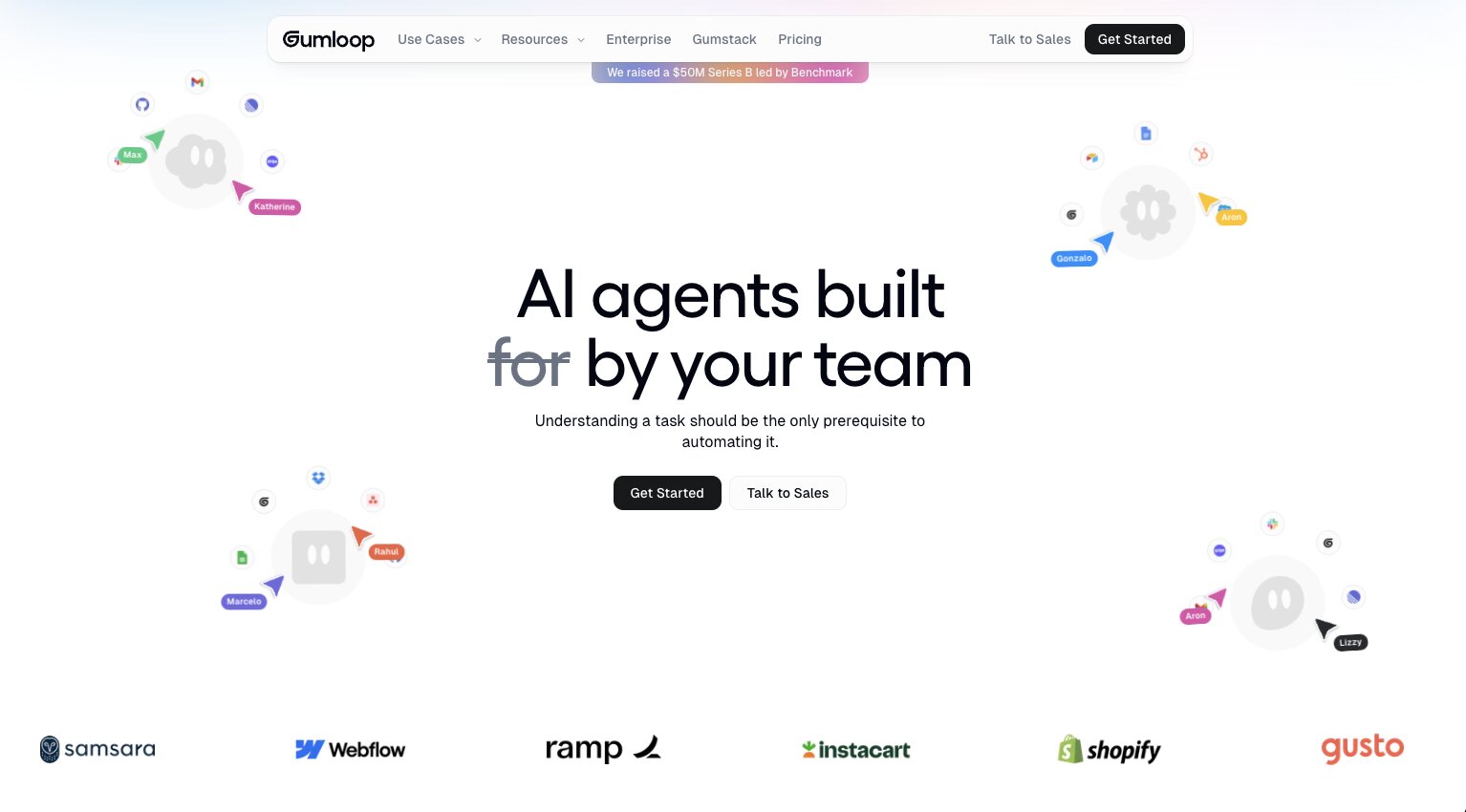
Gumloop AI workflow builder

Key Features

  • AI workflow builder
  • Document processing
  • Web scraping
  • AI research workflows
  • Visual automation
  • AI model integrations

Pros

✔ Built specifically for AI

✔ Excellent document automation

✔ Fast workflow creation

✔ Beginner friendly

Cons

  • Smaller integration ecosystem than older automation platforms

Best For

  • Marketing teams
  • Researchers
  • Operations
  • Consultants
  • AI-first businesses

6. Relay.app

Best for Human-in-the-Loop Automation

Not every business process should be fully automated. Some workflows still require human approval before moving to the next step. Relay.app was designed with this in mind by combining automation with collaborative decision-making.

Instead of replacing people, Relay.app allows workflows to pause for approvals, reviews, or edits before continuing automatically. It also integrates AI actions that summarize information, generate content, and assist with repetitive work while keeping humans involved when needed.

This balanced approach makes it particularly useful for growing teams that want automation without losing visibility into important business decisions.

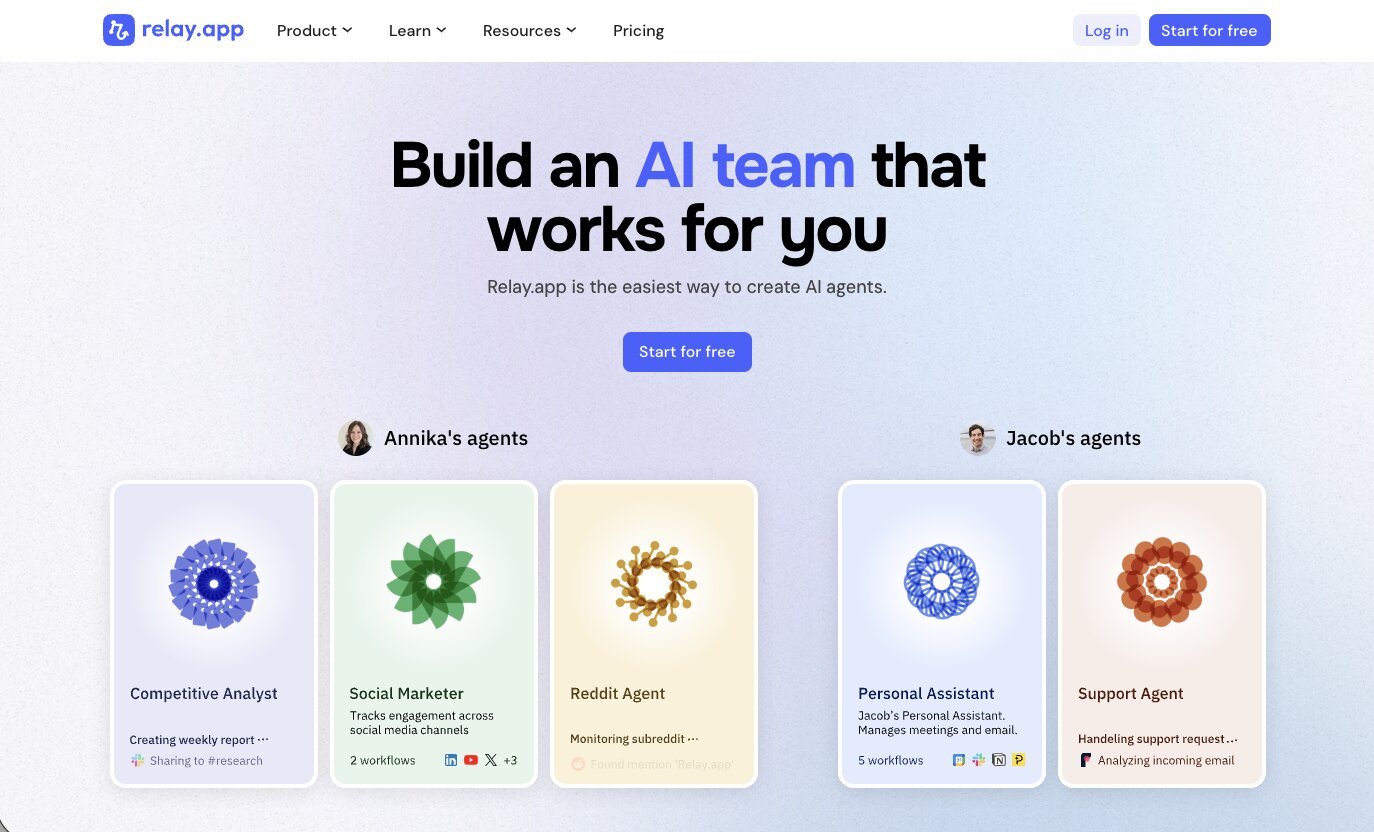
Relay.app AI automation tool

Key Features

  • Human approval workflows
  • AI workflow actions
  • Visual automation builder
  • Team collaboration
  • Notifications
  • Business integrations

Pros

✔ Easy to understand

✔ Great collaboration features

✔ AI + human workflows

✔ Modern interface

Cons

  • Fewer advanced developer features

Best For

  • Agencies
  • Marketing teams
  • HR
  • Operations
  • Growing businesses

7. Pipedream

Best AI Workflow Automation Platform for Developers

Pipedream combines automation with code, making it an excellent option for developers building custom AI applications and API workflows. It supports thousands of APIs while allowing users to write JavaScript, Python, Node.js, and other code directly inside workflows.

Its AI integrations make it possible to connect language models, automate coding tasks, process data, and build custom business applications that extend beyond traditional automation.

For engineering teams, Pipedream offers significantly more flexibility than many no-code automation platforms.

Pipedream workflow automation builder

Key Features

  • API automation
  • AI model integrations
  • Custom code
  • Event-driven workflows
  • Serverless execution
  • Thousands of integrations

Pros

✔ Highly flexible

✔ Excellent developer tools

✔ Strong API support

✔ Powerful AI integrations

Cons

  • Better suited to technical users

Best For

  • Developers
  • Engineering teams
  • SaaS companies
  • Product teams

AI Workflow Automation Comparison

Platform AI Agents No-Code Developer Friendly Best For
Zapier AI ⭐⭐⭐⭐⭐ ⭐⭐⭐☆☆ Overall Best
Make ⭐⭐⭐⭐⭐ ⭐⭐⭐⭐☆ Visual Workflows
n8n Via Integrations ⭐⭐⭐⭐☆ ⭐⭐⭐⭐⭐ Developers
Lindy ⭐⭐⭐⭐⭐ ⭐⭐⭐☆☆ AI Agents
Gumloop ⭐⭐⭐⭐⭐ ⭐⭐⭐⭐☆ AI Workflows
Relay.app Partial ⭐⭐⭐⭐⭐ ⭐⭐⭐☆☆ Team Collaboration
Pipedream Via APIs ⭐⭐☆☆☆ ⭐⭐⭐⭐⭐ APIs & Development

How to Choose the Right AI Workflow Automation Tool

The best AI Workflow Automation platform depends on the complexity of your workflows and your team’s technical expertise.

If you’re completely new to automation, choose a platform that emphasizes ease of use and pre-built templates. Businesses that rely on AI-powered content creation, document processing, or customer support should look for platforms with built-in AI capabilities rather than simply app integrations.

Before choosing an AI Automation Software platform, ask yourself:

  • Do you need no-code or developer tools?
  • Will AI make decisions or simply assist?
  • How many applications need to connect?
  • Does your workflow require human approvals?
  • Will your automation scale with your business?

Answering these questions will help narrow your options much faster than comparing feature lists alone.

Final Thoughts

Automation is evolving rapidly. Businesses are no longer limited to connecting apps—they can now automate decision-making, content creation, document analysis, customer communication, and many repetitive knowledge-based tasks using AI.

The best AI Workflow Automation platform is the one that fits your team’s workflow and technical skills. Zapier AI remains an excellent all-around solution for businesses seeking broad integrations and ease of use. Make provides powerful visual workflows, n8n and Pipedream offer flexibility for developers, while Lindy, Gumloop, and Relay.app represent the next generation of AI-first automation tools.

As AI agents become more capable, choosing the right AI Automation Software can help businesses reduce manual work, improve productivity, and free teams to focus on higher-value activities.

If you’re exploring AI software beyond workflow automation, GoToAIDirectory offers in-depth comparisons, tutorials, and buying guides covering AI writing tools, website builders, graphic design software, productivity platforms, SEO tools, and many other AI categories to help you make informed decisions.

Frequently Asked Questions

What is AI Workflow Automation?

AI Workflow Automation combines artificial intelligence with traditional automation to perform tasks such as reading emails, summarizing documents, classifying data, generating content, and making workflow decisions with minimal human intervention.

What is the best AI Workflow Automation platform?

For most businesses, Zapier AI offers the best balance of usability, integrations, and AI capabilities. However, platforms like Make, n8n, Lindy, Gumloop, Relay.app, and Pipedream each excel in different scenarios.

What is AI Automation Software?

AI Automation Software refers to platforms that use artificial intelligence to automate repetitive business processes, improve decision-making, and streamline workflows beyond simple rule-based automation.

Can AI automate entire business processes?

Yes. Modern AI workflow platforms can automate customer support, document processing, lead qualification, report generation, meeting scheduling, data analysis, and many other repetitive business tasks while still allowing human oversight where necessary.

Which AI Workflow Automation tool is best for beginners?

Beginners will typically find Zapier AI, Relay.app, and Lindy the easiest platforms to learn because they offer intuitive interfaces, templates, and no-code workflow builders.

Scroll to Top